






New Community designs, ready to convert

    Your Figma design, as a working Dear ImGui app.

    Upload a .fig file. Lazy UIs turns the frame into a Visual Studio C++ project that looks exactly like the design, with controls, screens, and popups that already work.
    • 1 free conversion a month
    • Builds in Visual Studio as-is
    • Files deleted after 2 hours
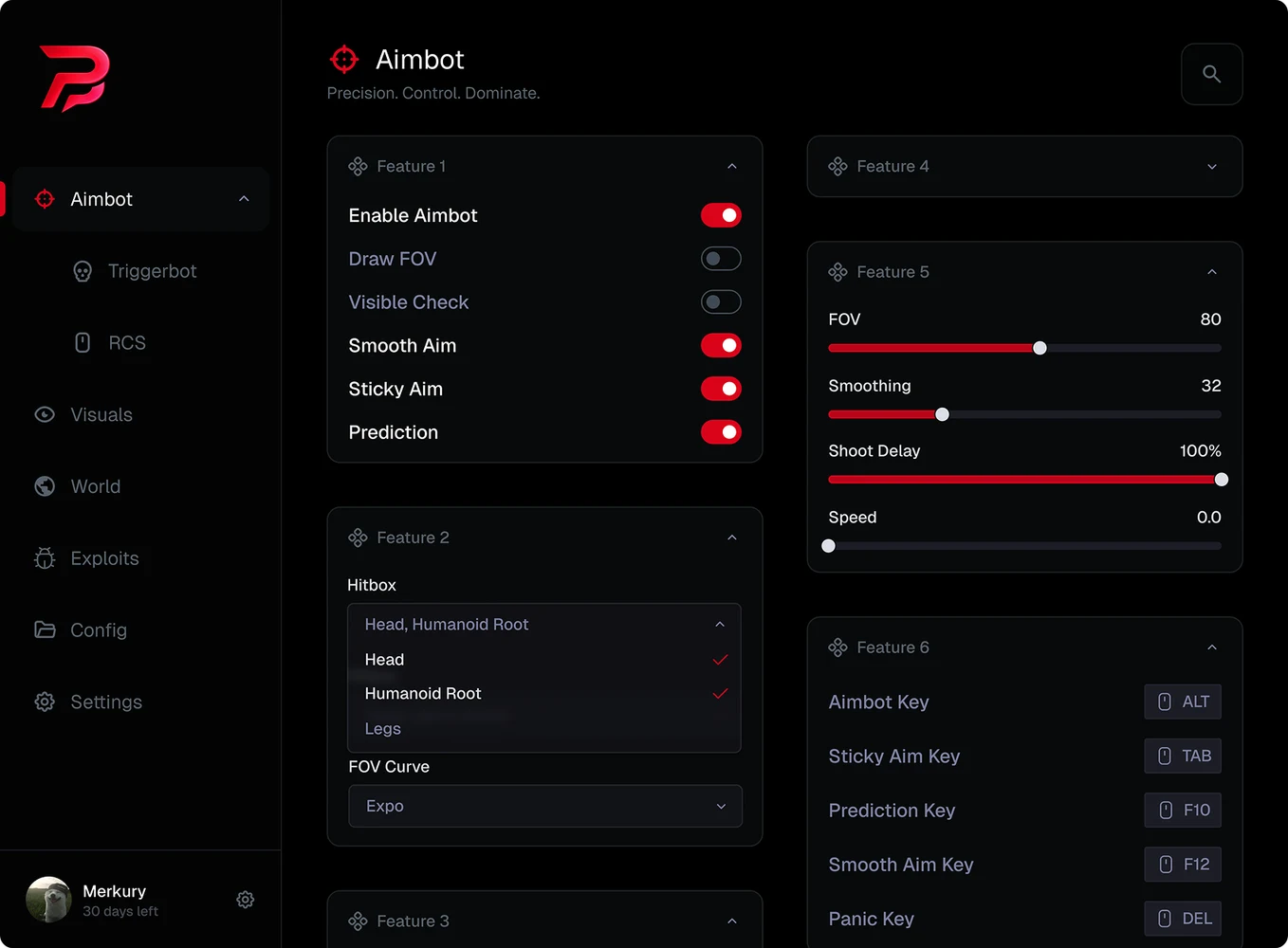
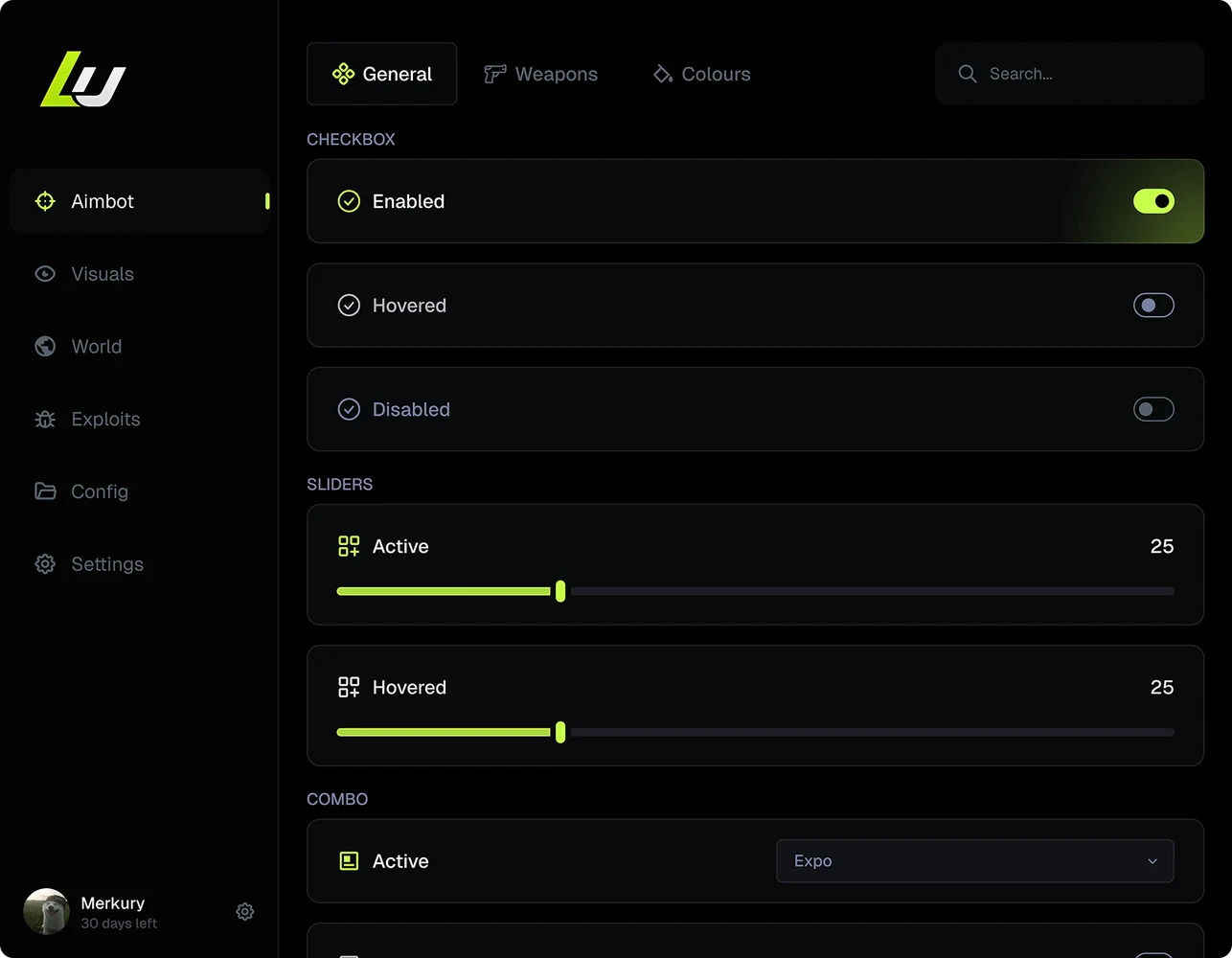
    The Lazy UIs menu
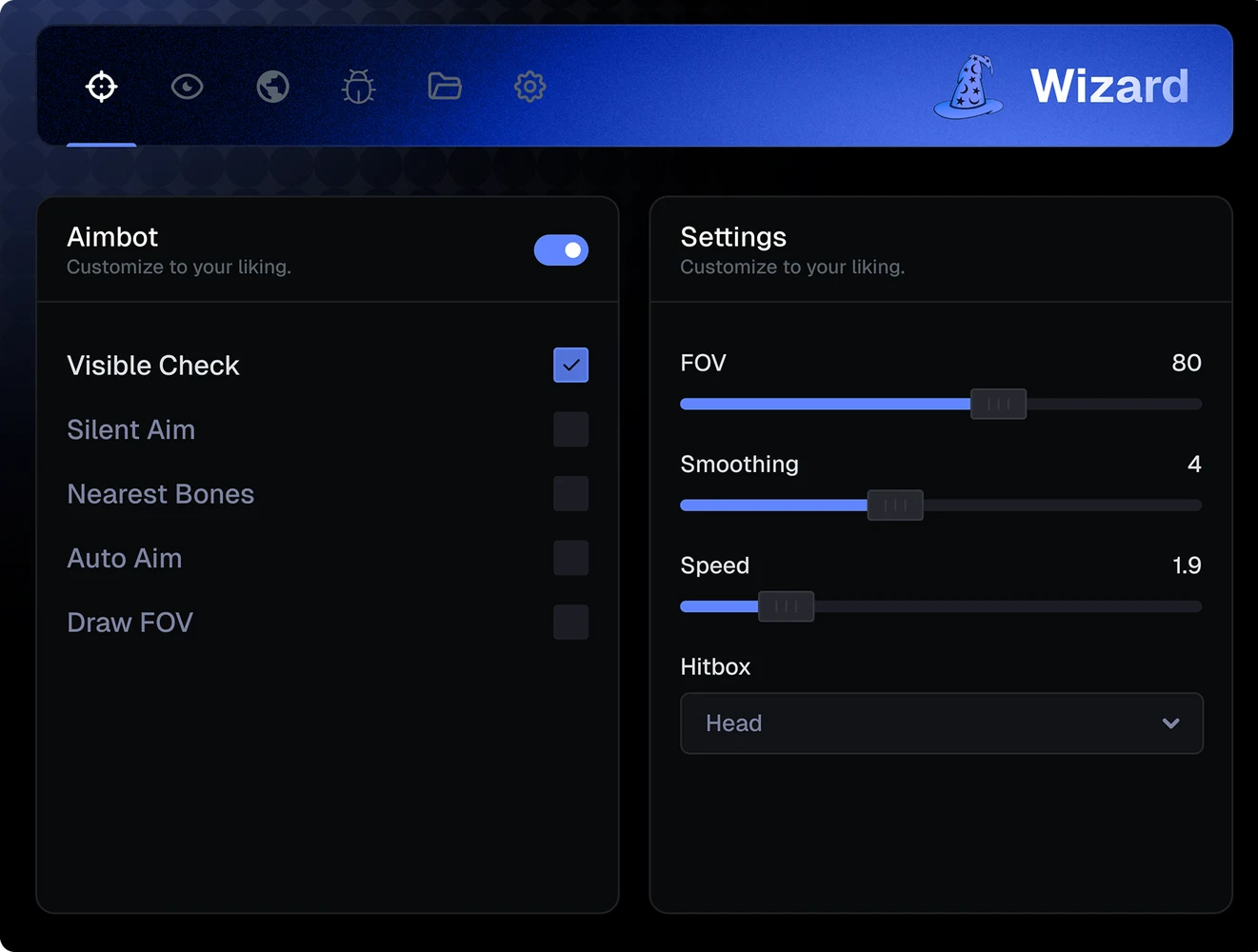
    The Wizard menu
    The Precision menu
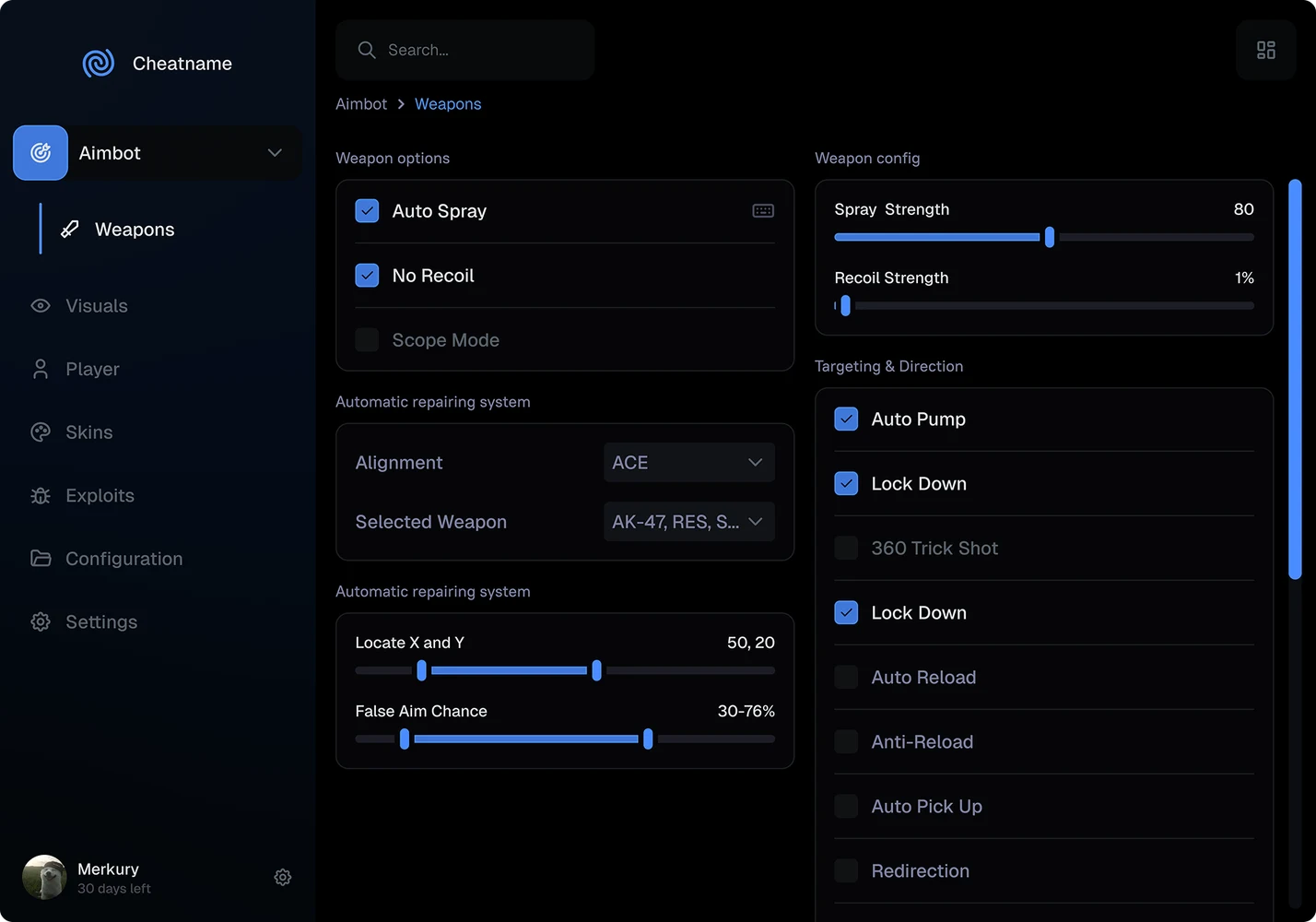
    The Cheatname menu
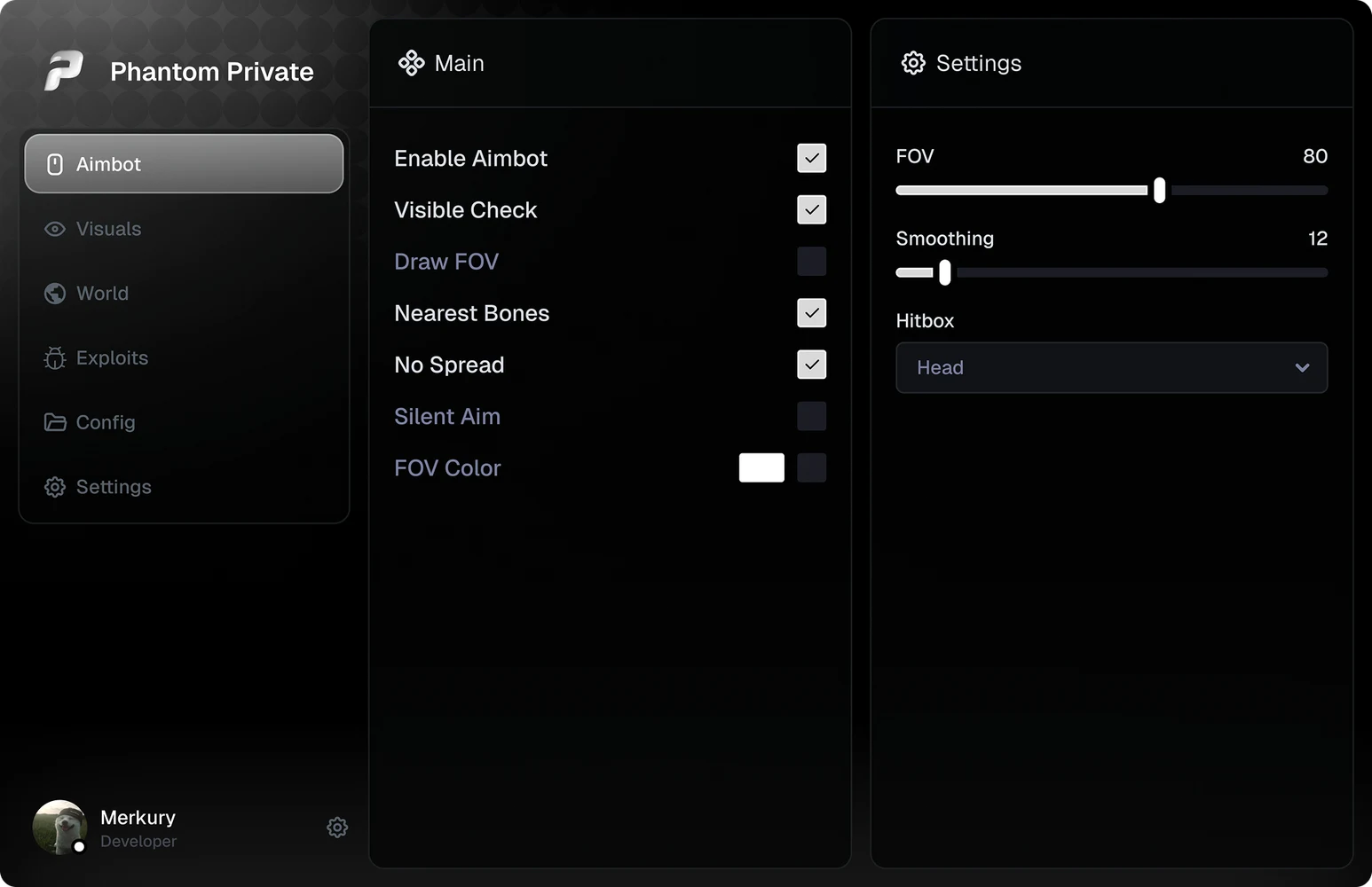
    The Phantom Private menu
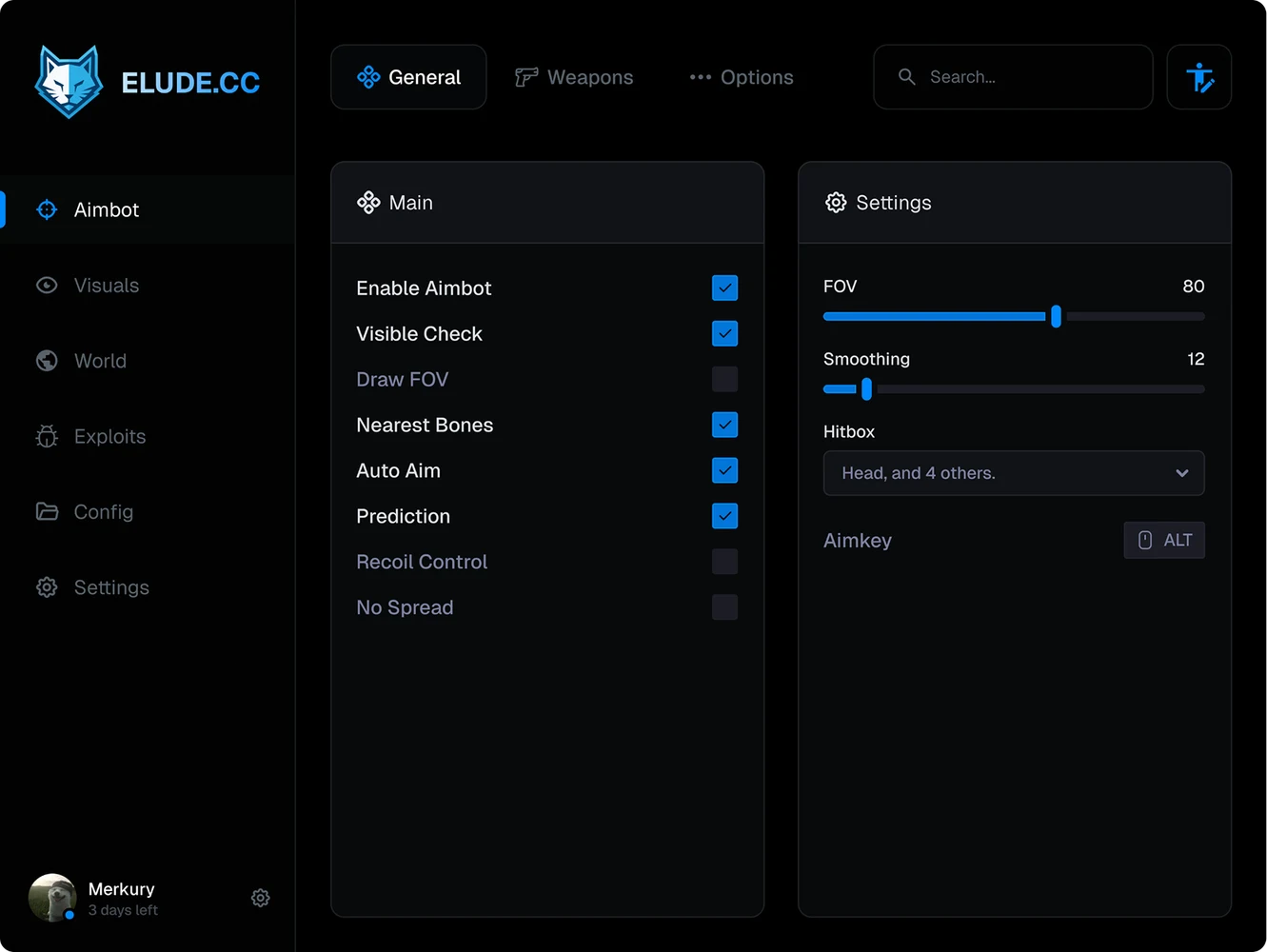
    The Elude menu
    Generates projects for
    • Dear ImGui
    • C++20
    • Visual Studio
    How it works

    Three steps, no setup.

    Nothing to install and no layers to rename for most designs.

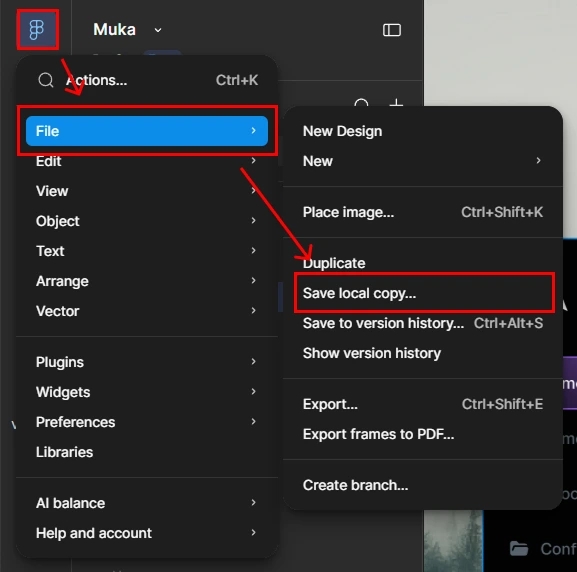
    Figma's main menu with File, then Save local copy highlighted
    01

    Save a local copy

    In Figma, choose File → Save local copy… to get the .fig file.

    02

    Upload it and pick a frame

    Choose Loader or Menu. Screens, pages, and popups from your other frames are found for you.

    03

    Download the project

    Open the ZIP in Visual Studio and build. The app looks like the design and already works.

    Features

    Design it once. Ship an app that works.

    Lazy UIs reads the file itself: positions, fonts, icons, effects, and states come through exactly, and every control becomes a variable your code can use.

    Drop in a .fig.

    Lazy UIs picks the frames, finds the controls, and packs a Visual Studio project.

    Code you'd write yourself.

    One function per section, colors as named constants, and a plain variable for every control. It builds as-is.

    Pixel for pixel.

    Text lands on Figma's own glyph positions, each corner keeps its radius, and icons become a real icon font.

    Every effect.

    Drop and inner shadows, glows, background and layer blur, and gradients, with the design's own values.

    Controls that work.

    Recognized by how they look, with hover, pressed, and disabled states. Try them.

    Screens, pages, and popups.

    Buttons lead to screens, loading screens move on by themselves, and dialogs open as popups, all in one app.

    A working app, not a picture.

    The project runs your design as a real Dear ImGui app, and this menu works the way it does. Try it.

    A Figma plugin for the rest.

    Tag what a design can't show: popups, where buttons lead, the main navigation. Get the plugin

    Pricing

    Start free. Upgrade for no limits.

    Every paid plan includes everything; they only differ in how long they last.

    Every paid plan unlocks every feature. They differ only in how long they last.

    12 months

    Best value

    For regular work, at the lowest price per month.

    $149for 12 months$348 Save $199
    Conversions
    Unlimited
    Projects
    Menu and Loader
    Per month
    $12.42

    Everything in Free, plus:

    • Unlimited conversions
    • Loader and Menu projects
    • Every effect: shadows, blurs, and glows
    • Screens, popups, pages, and window buttons
    • AI review: a second look at every frame
    • The Figma plugin
    • Every update while the plan runs

    Paid once. Never renews by itself.

    FAQ

    Questions, answered.

    Something else? Ask us on our Discord server or Telegram, or read the guide.

    What file do I upload?
    A .fig file. In Figma, open your design and choose File → Save local copy…. No Figma account connection, token, or plugin is needed to convert. See the steps with pictures.
    What do I get back?
    A ZIP with a Visual Studio project in C++20, using Dear ImGui and DirectX 11. Pick a Loader (a borderless window the size of your frame) or a Menu (an overlay). It builds as-is: Dear ImGui is included, so there's no SDK to install.
    Will it really look like my design?
    Yes. The project is drawn from the design's own values: text at Figma's glyph positions, each corner's own radius, shadows, glows, masks, gradients, and background blur. The ZIP opens and builds in Visual Studio as it is, so you can check it yourself.
    Which parts become working controls?
    Checkboxes, toggles, sliders, dropdowns, text and search fields, keybinds, color pickers, buttons, tabs, and sidebars are recognized by how they look. Your own close and minimize icons close and minimize the app. For anything the detector can't tell, the Figma plugin tags it with a layer name.
    Can one project have a login, a loading screen, and a main screen?
    Yes. Frames your buttons lead to become screens of one app, even when they're different sizes: a login leads to the loading or main screen, loading screens move on by themselves, and dialogs open as popups. How screens work.
    What happens to my files?
    Your .fig is converted on our servers and belongs to your account. Uploads and the projects made from them are deleted automatically 2 hours after the upload, so download the ZIP before then.
    Can I change the generated code?
    Yes, it's plain C++ you own. Each part of the frame is its own function, colors are named constants, and every control is a variable, like login_button.clicked. The project has no license check and keeps working after a plan ends.
    What's free?
    1 conversion a month: a Menu project with preview and download, without effects. Paid plans add unlimited conversions, Loader projects, every effect, and AI review. Compare plans.

    Upload your design.
    Download the app.

    1 free conversion a month.